Create stunning holiday photos with Gemini AI Christmas photo prompts. Instantly generate ultra-realistic Christmas portraits with consistent faces using AI.
Introduction: Create Magical Christmas Photos with Gemini AI
Creating realistic and consistent Christmas images can be tricky—most people struggle with changing facial features, uneven lighting, or backgrounds that look fake. Not everyone has a professional camera, a decorated studio, or editing skills, and even AI-generated images often fail because of small mistakes in prompts.
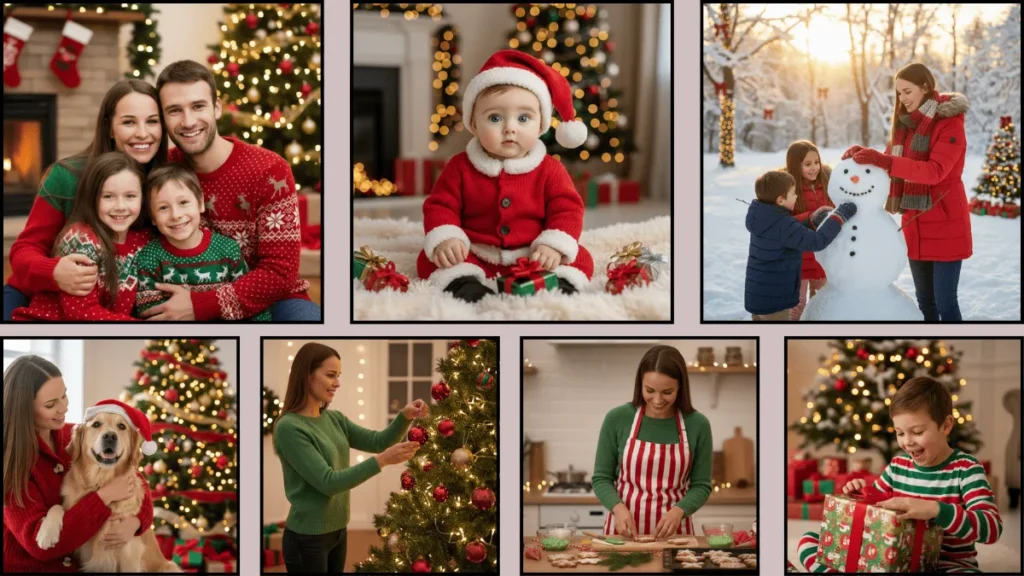
Gemini AI Christmas photo prompts solve this problem. They let you generate high-quality, emotional, and visually stunning holiday images—family portraits, kids’ photos, festive selfies, or cinematic winter scenes—using simple text prompts. This guide provides ready-to-use prompts, practical tips, and step-by-step instructions to ensure your images look professional, realistic, and consistent every time.
Top Prompts List
1.Baby Christmas Photoshoot

Ultra-realistic 4K portrait of the SAME PERSON as the reference image, same face, same identity, no facial changes, sitting on a fluffy blanket with tiny Christmas gifts around, wearing a red knitted Santa suit and hat, soft warm fairy lights, cozy living room with decorated Christmas tree, realistic skin texture, professional photography style.
2. Family Christmas Portrait
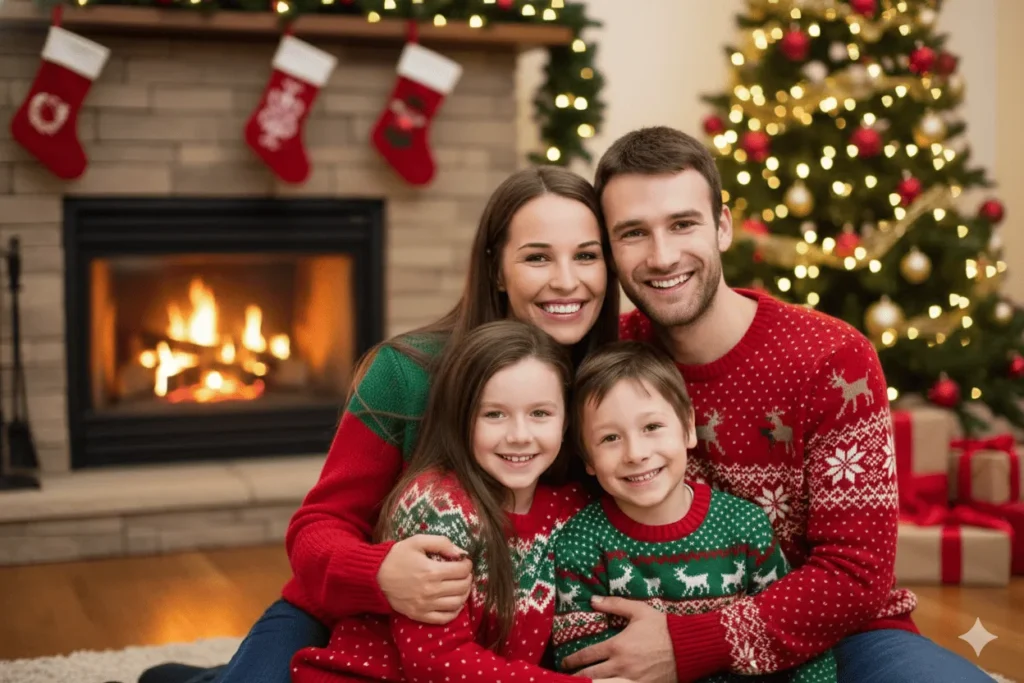
Ultra-realistic 4K portrait of the SAME PERSON as the reference image, same face, same identity, no facial changes, family hugging by the fireplace, smiling at the camera, wearing matching red and green Christmas sweaters, soft indoor warm lighting, living room decorated with garlands and stockings, realistic skin texture, professional photography style.
3. Christmas Tree Decoration Scene
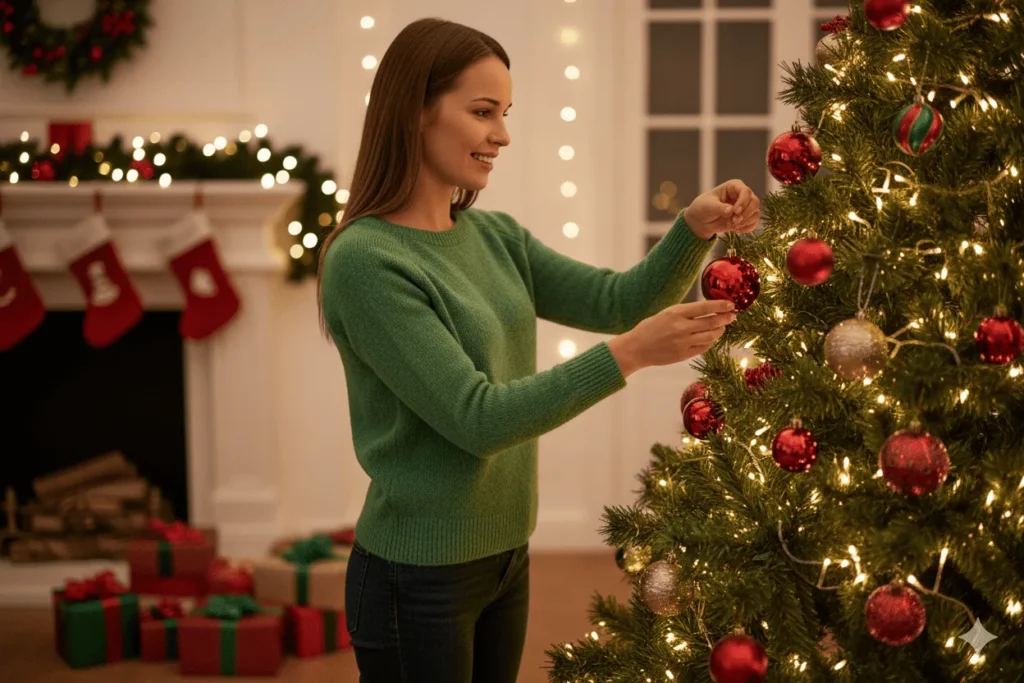
Ultra-realistic 4K portrait of the SAME PERSON as the reference image, same face, same identity, no facial changes, placing ornaments on a Christmas tree, wearing casual festive outfit with a green sweater, warm ambient lighting from fairy lights, cozy indoor space with tree, presents, and stockings, realistic skin texture, professional photography style.
4. Winter Wonderland Outdoor
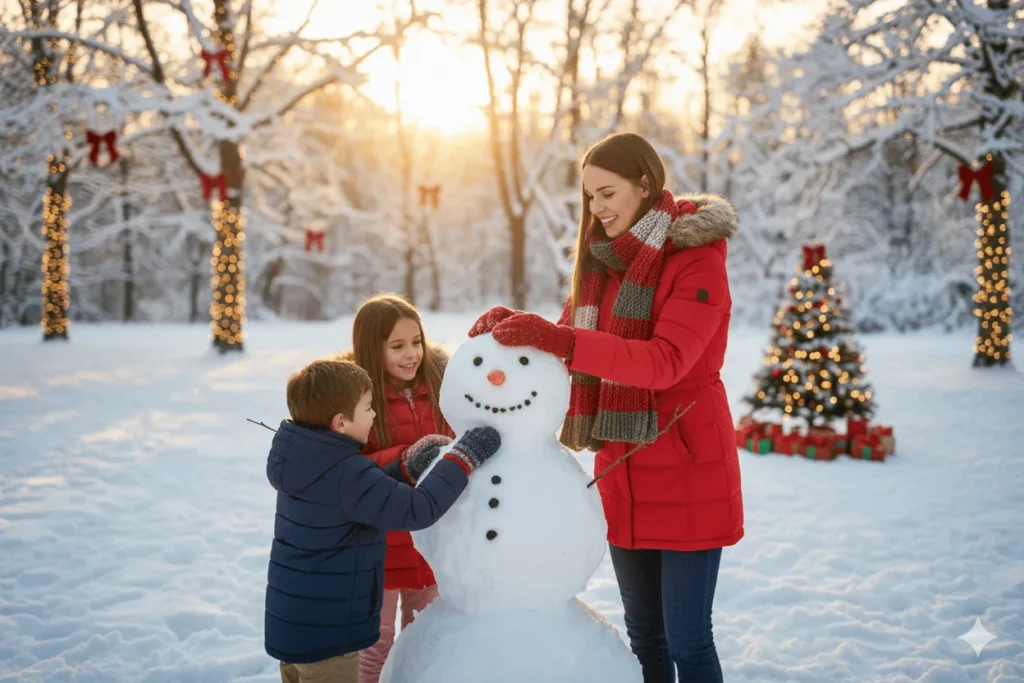
Ultra-realistic 4K portrait of the SAME PERSON as the reference image, same face, same identity, no facial changes, building a snowman with children in the snow, wearing a red parka with a knitted scarf and gloves, golden sunset lighting, snow-covered park with decorated trees and fairy lights, realistic skin texture, professional photography style.
5. Pet Christmas Photoshoot

Ultra-realistic 4K portrait of the SAME PERSON as the reference image, same face, same identity, no facial changes, holding a Golden Retriever wearing a Santa hat, wearing a cozy red cardigan, soft natural window light, living room with decorated Christmas tree and wrapped gifts, realistic skin texture, professional photography style.
6. Christmas Gift Opening
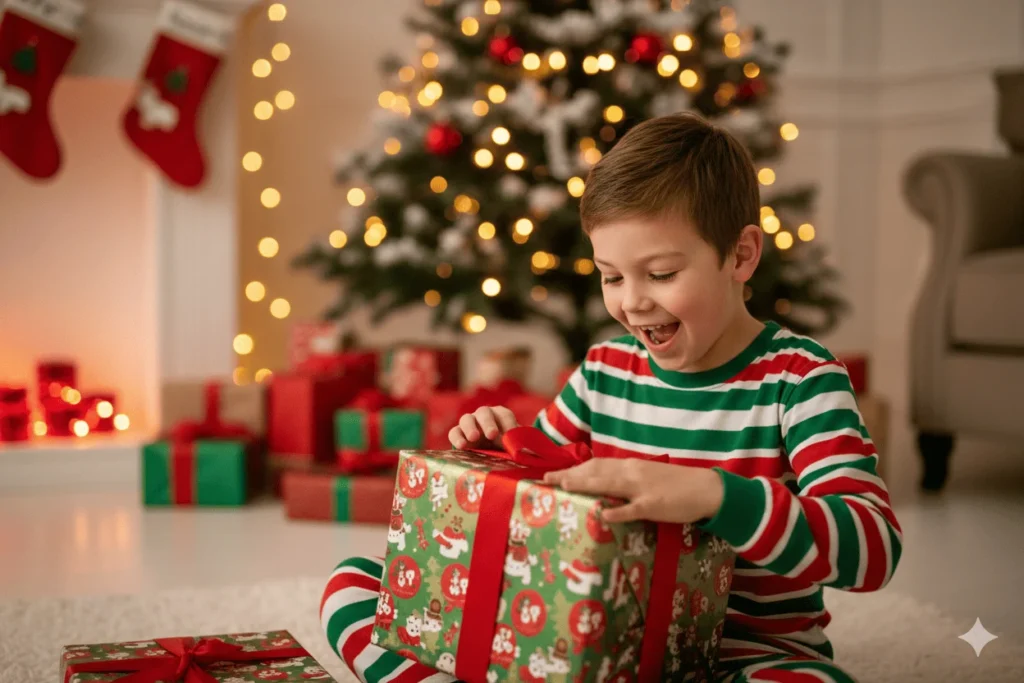
Ultra-realistic 4K portrait of the SAME PERSON as the reference image, same face, same identity, no facial changes, opening a Christmas gift with excitement, wearing cozy red and green pajamas, warm indoor lighting, living room with tree, gifts, and holiday decor, realistic skin texture, professional photography style.
7. Christmas Baking Scene
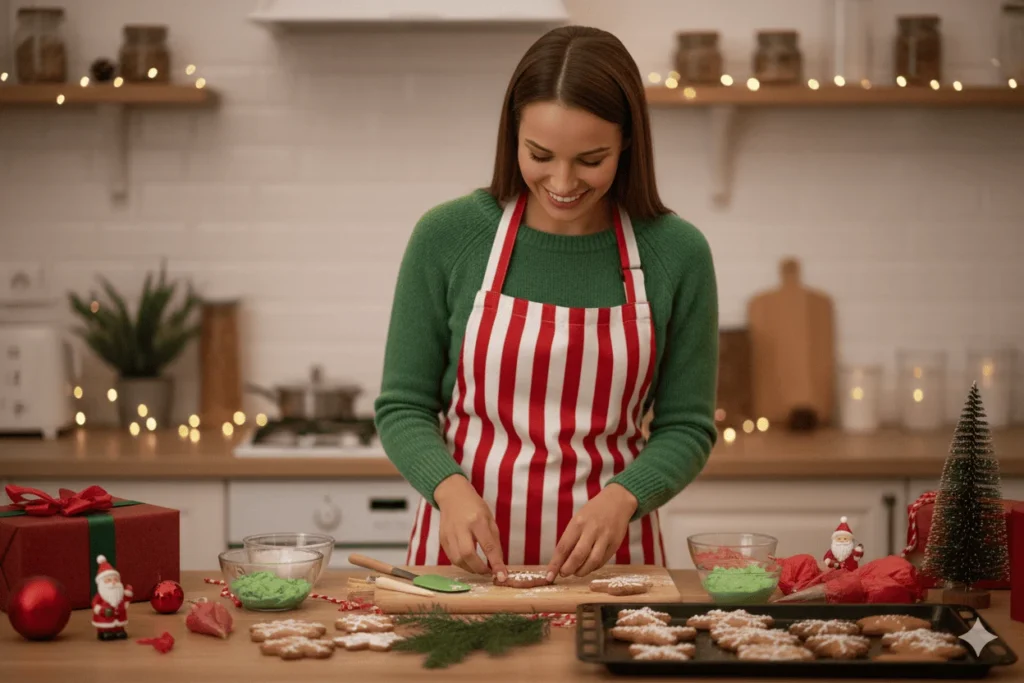
Ultra-realistic 4K portrait of the SAME PERSON as the reference image, same face, same identity, no facial changes, decorating Christmas cookies in the kitchen, wearing festive apron with red and white stripes, soft natural kitchen lighting, kitchen counter with baking utensils, cookie trays, and Christmas decorations, realistic skin texture, professional photography style.
For more AI image ideas and ready-to-use prompts, check out our Gemini AI Photo Prompts collection for every occasion.
How to Use These Prompts
Follow these steps to create high-quality Christmas images with Gemini AI:
- Open Gemini AI or any AI image tool that supports its prompts.
- Upload a clear reference image of the person to maintain facial consistency.
- Choose a prompt from the list provided.
- Paste the prompt into the input box.
- Adjust small details like outfit color, props, or background if needed.
- Generate the image and review the result.
- Refine as necessary by making tiny tweaks and regenerating until it looks perfect.
Pro Tip: Always keep the line “same face, same identity” unchanged to ensure consistent and realistic results across multiple images.sults.
Prompt Writing Tips
To get professional-quality Christmas images from Gemini AI, follow these tips:
Face Consistency
- Always use phrases like same face, same identity, no facial changes.
- Use one clear reference image for all generations.
Lighting Control
- Use terms like soft warm lighting, cinematic glow, or natural window light.
- Christmas images look best with warm tones.
Background Details
- Mention Christmas elements clearly: tree, lights, fireplace, snow, gifts.
- Avoid overcrowding the scene with too many objects.
Style & Quality
- Add Ultra-realistic 8K, professional photography style, or DSLR quality.
- Mention realistic skin texture to avoid plastic-looking faces.
Frequently Asked Questions
What is a Gemini AI Christmas photo prompt?
A Gemini AI Christmas photo prompt is a detailed text instruction that helps AI generate realistic Christmas-themed images with consistent facial identity.
Can I use these images for commercial purposes?
Yes, most AI tools allow commercial usage, but always check the specific platform’s license policy.
How do I maintain the same face in multiple images?
Use the same reference image and include phrases like same face, same identity, no facial changes in every prompt.
Conclusion
Gemini AI Christmas photo prompts make it easy to create festive, high-quality images without photography skills. With proper prompts, face consistency, and lighting control, you can generate stunning holiday visuals in minutes. Use these prompts to save time, boost creativity, and create memorable Christmas content for personal or professional use.
1 thought on “Gemini AI Christmas Photo Prompt – Create Ultra-Realistic Holiday Images”